
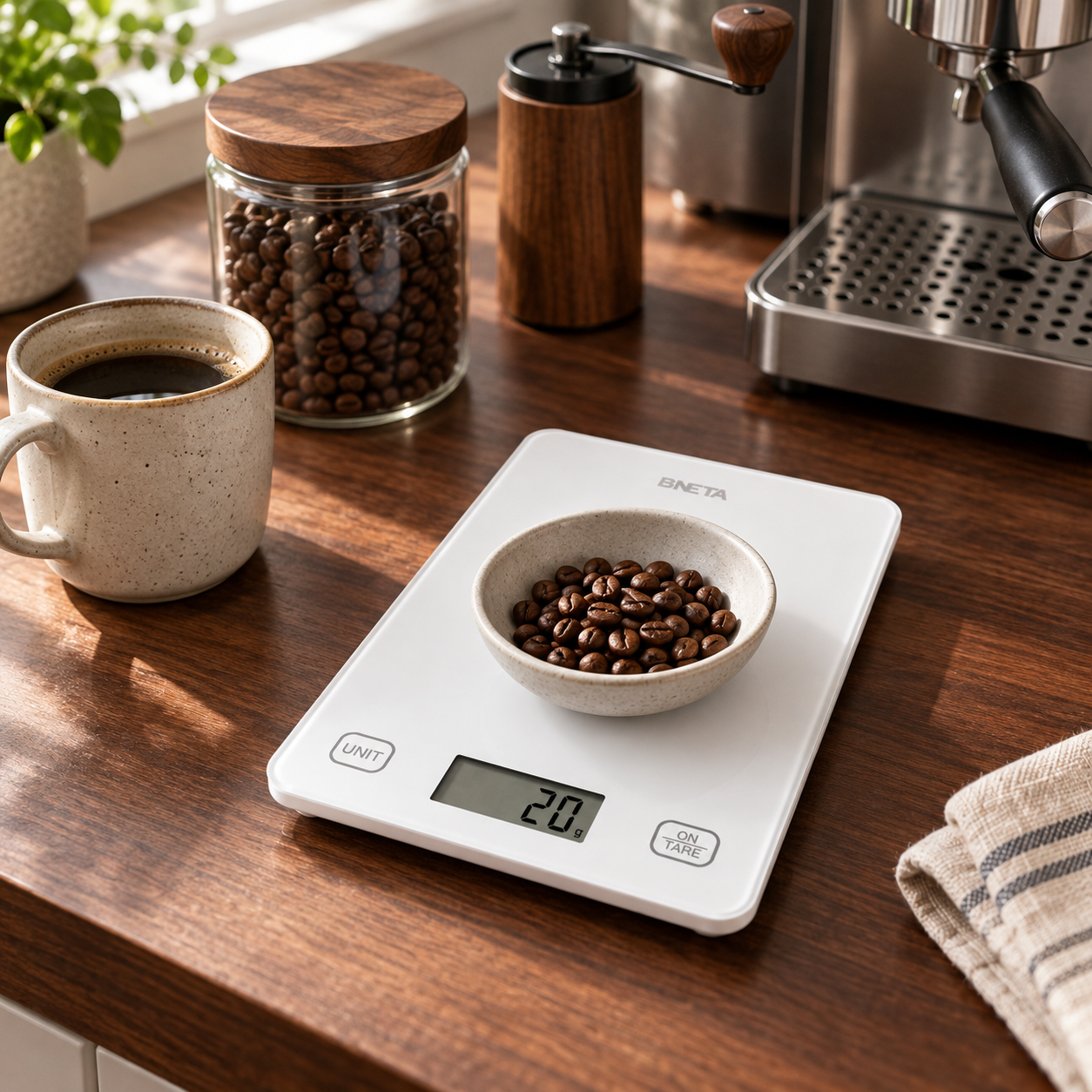
BNETA CS10C Smart Kitchen Scale with Bluetooth Nutrition Tracking
R499.00
Product Highlight
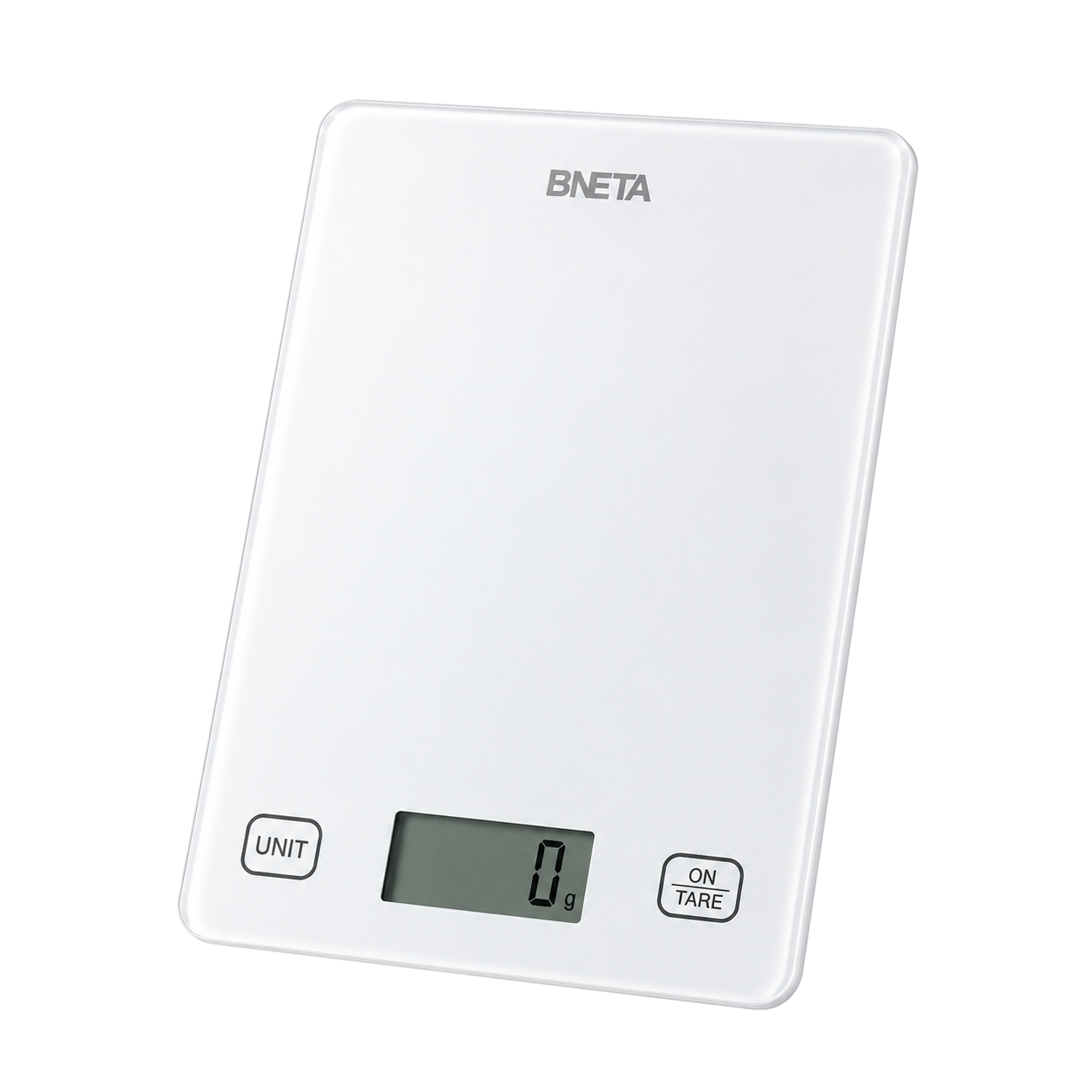
Bring weighing and food tracking together with the BNETA CS10C Smart Kitchen Scale. Measure ingredients up to 5 kg in 1 g increments, tare your bowl and switch between weight and liquid modes. Connect to the free Foodiet app to calculate nutrition for your selected food and portion, scan supported food barcodes and keep a food diary. Its slim white glass design fits neatly into your kitchen routine.
Key Features:
-
2 g to 5 kg weighing range with 1 g increments for everyday ingredient and portion measurements.
-
One-touch tare subtracts container weight and lets you add ingredients in the same bowl.
-
Switch between g, ml, fl oz and lb:oz, with dedicated water and milk modes.
-
Bluetooth connection to the free Foodiet app for iOS and Android; existing FeelFit app also supported.
-
Foodiet barcode nutrition lookup, searchable food records, custom foods and a diary for recording portions and nutrients.
-
A clear LCD and two touch controls make weighing, changing units and resetting simple.
-
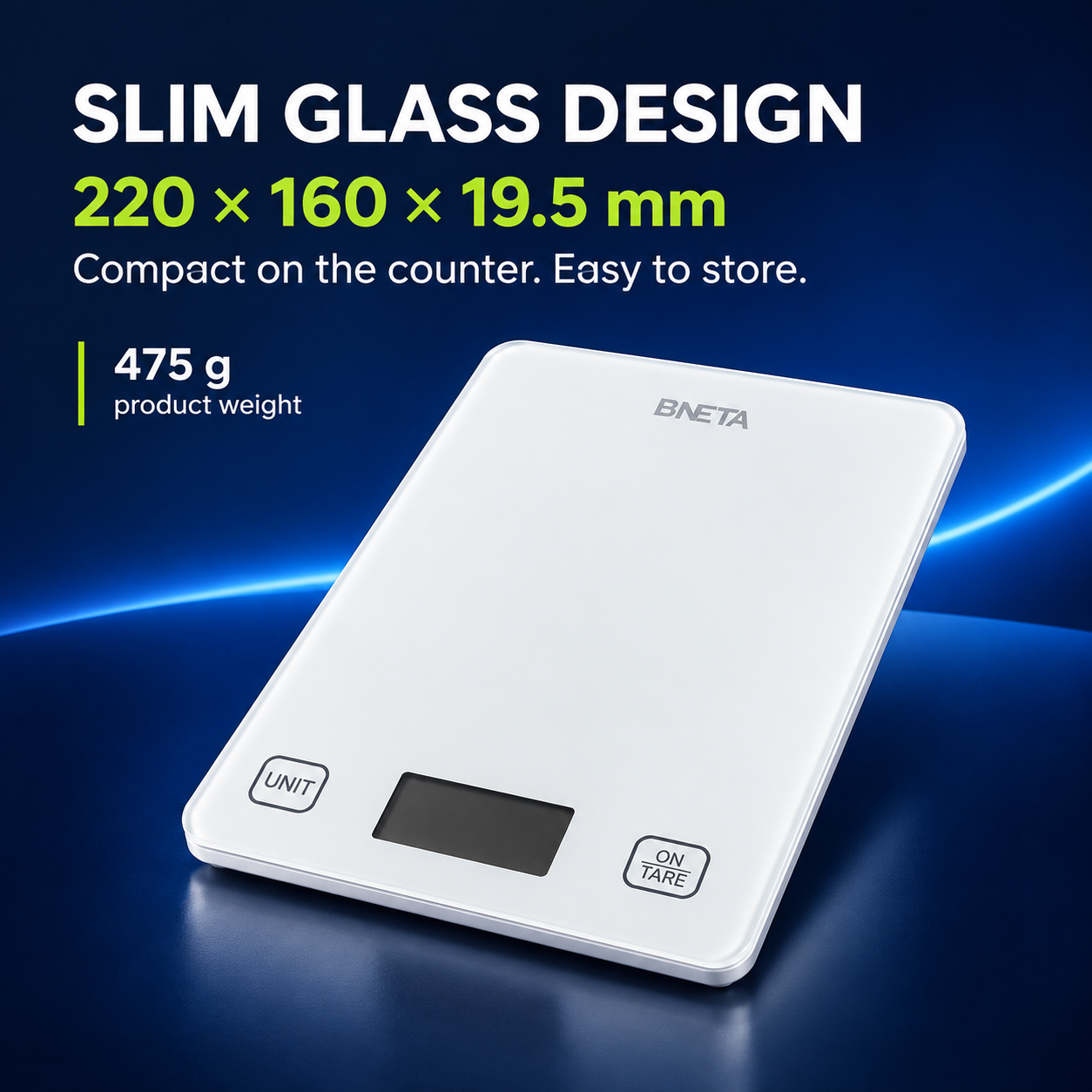
Slim glass platform measuring 220 × 160 × 19.5 mm, with a lightweight 475 g body.
-
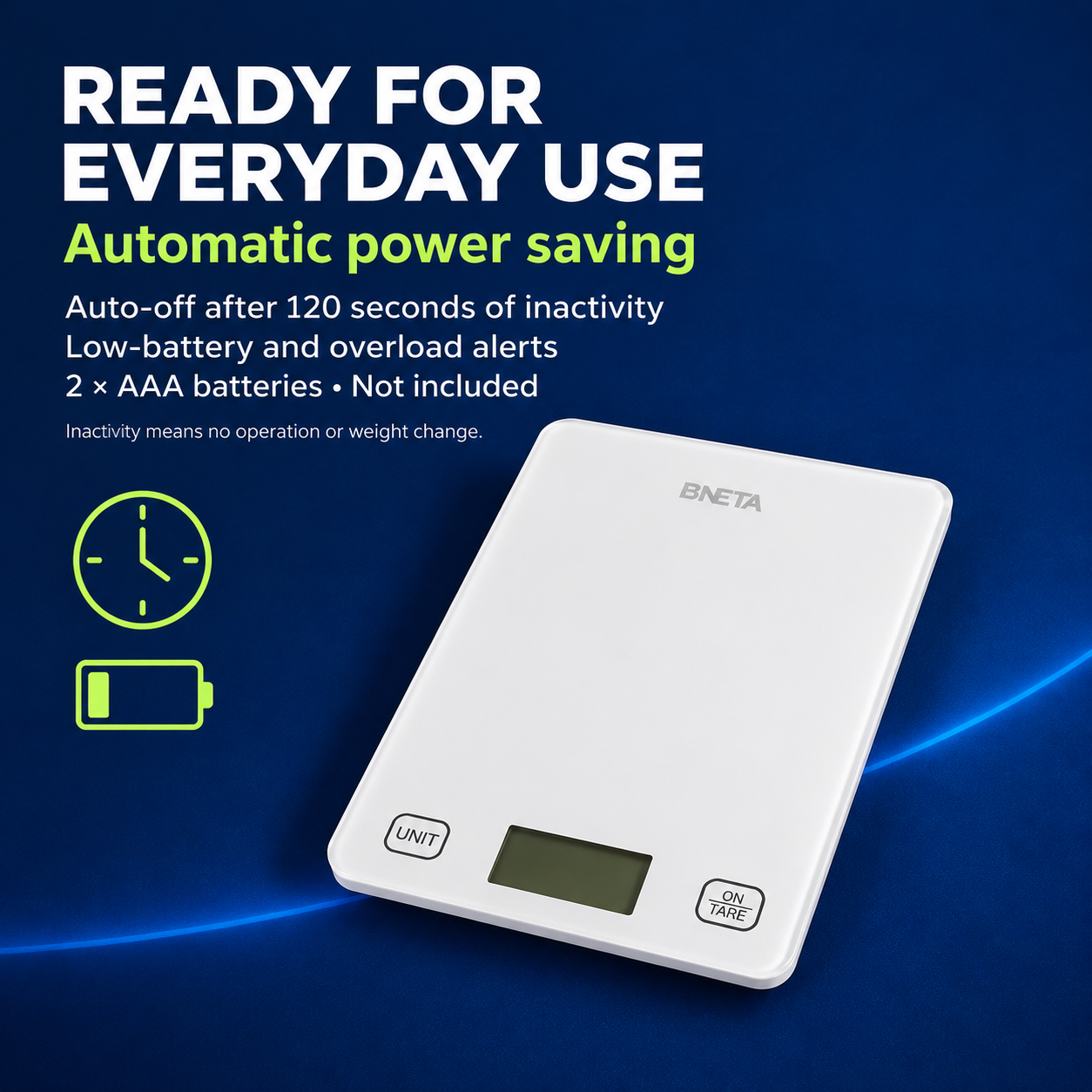
Automatic shut-off after 120 seconds of inactivity
-
low-battery and overload alerts; powered by two AAA batteries, not included.
BNETA CS10C Smart Kitchen Scale with Bluetooth Nutrition Tracking
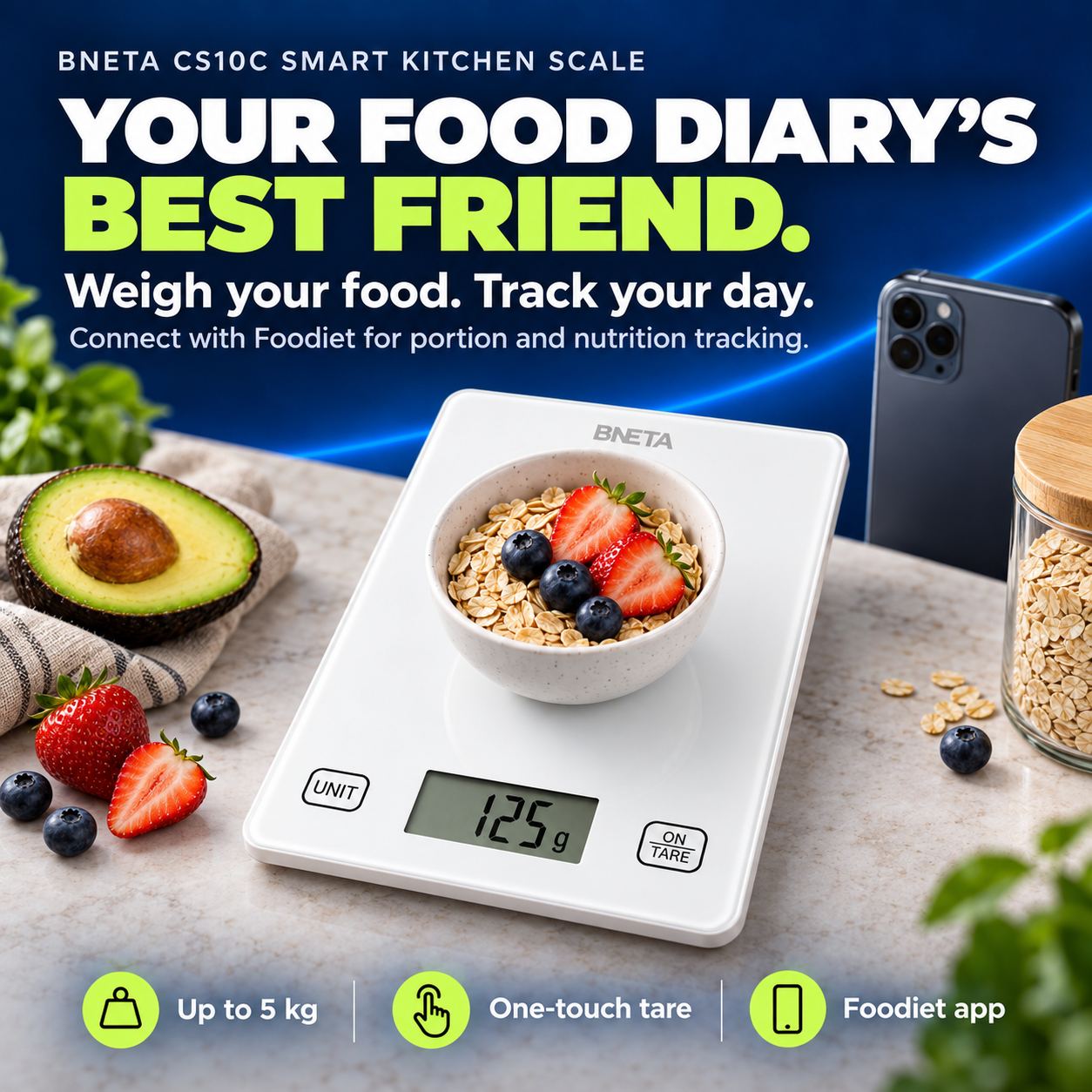
Weigh ingredients up to 5 kg
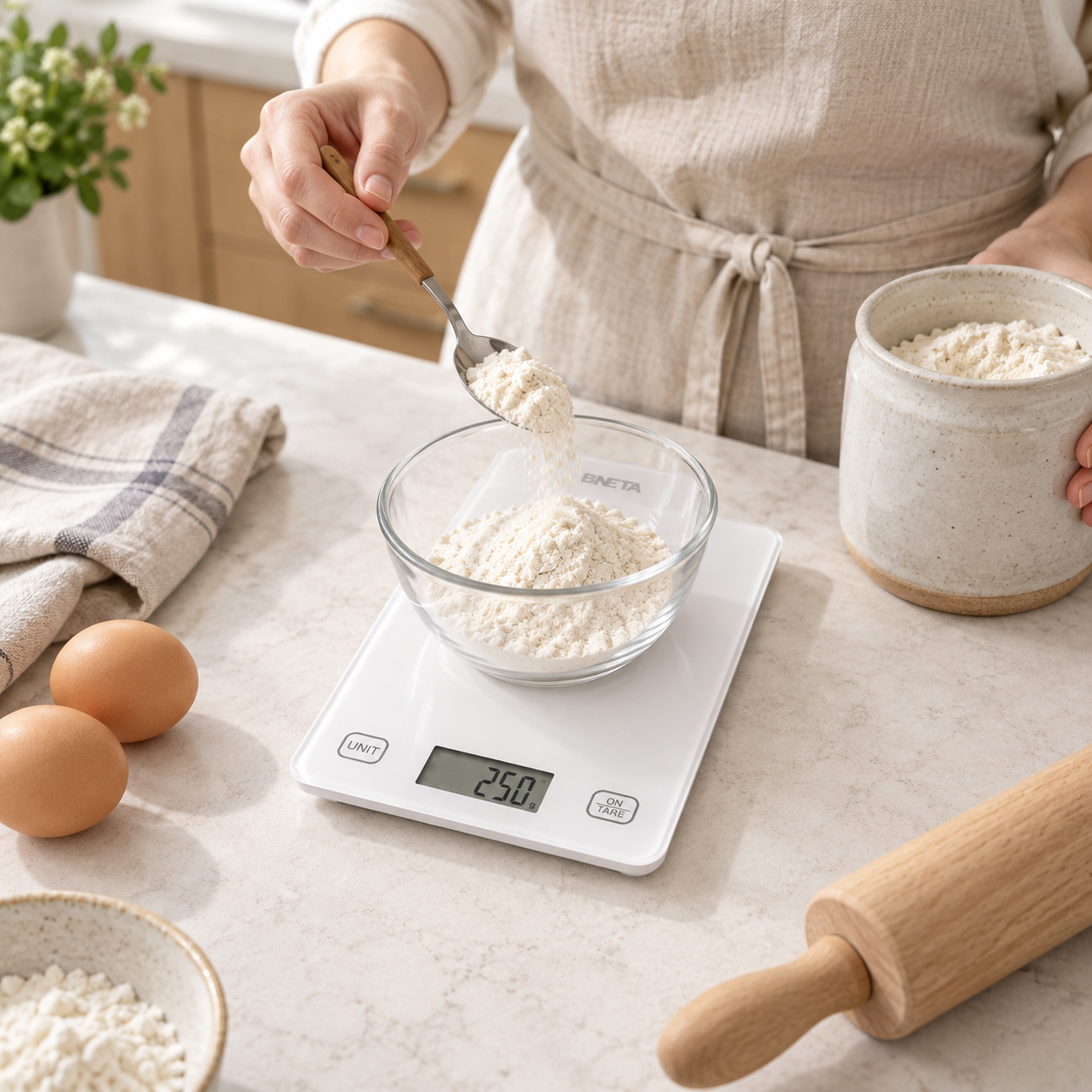
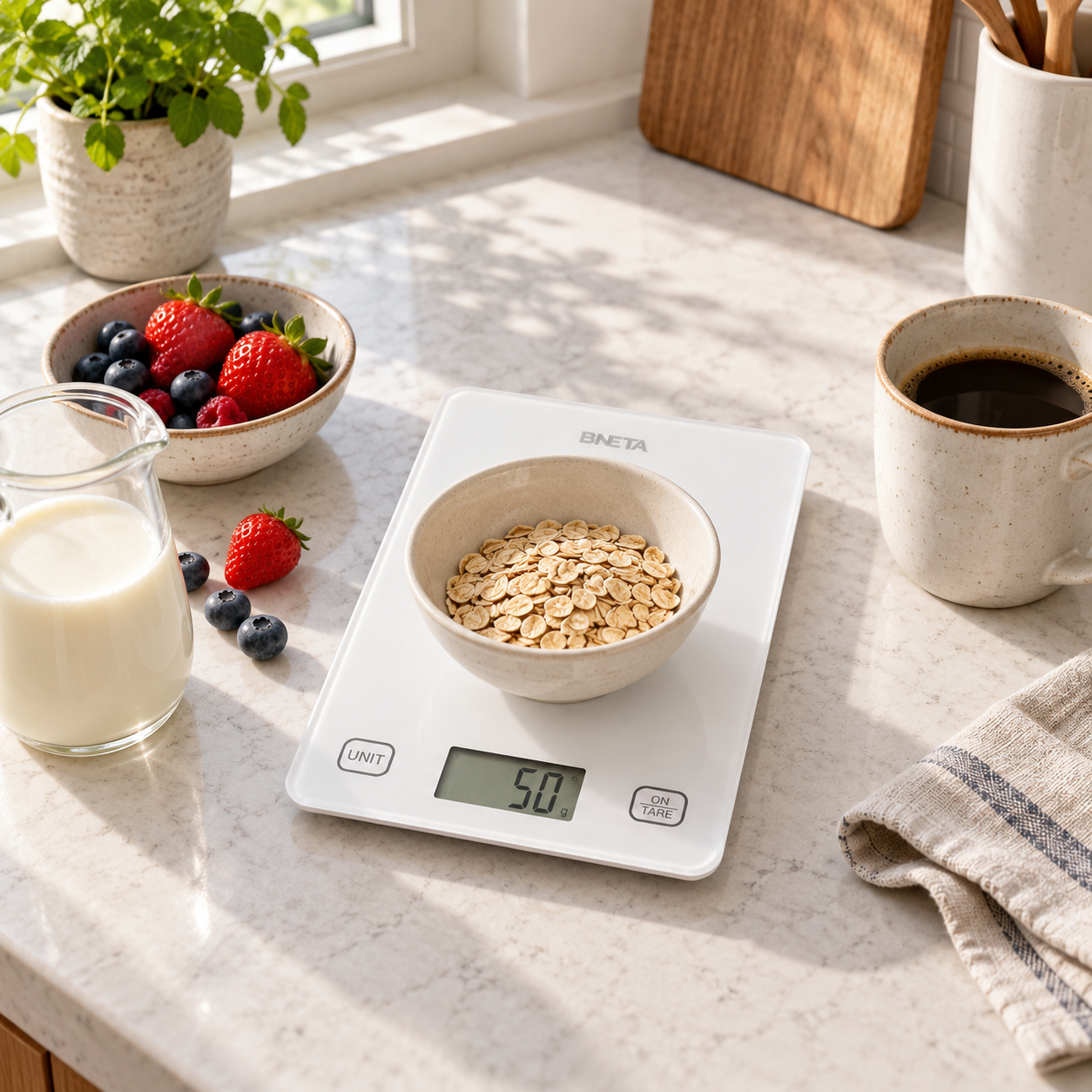
Measure flour, fruit, coffee beans and meal portions with a weighing range of 2 g to 5 kg. The 1 g increments help you follow recipes and repeat serving sizes. Keep the combined weight of the container and ingredients within the 5 kg maximum.
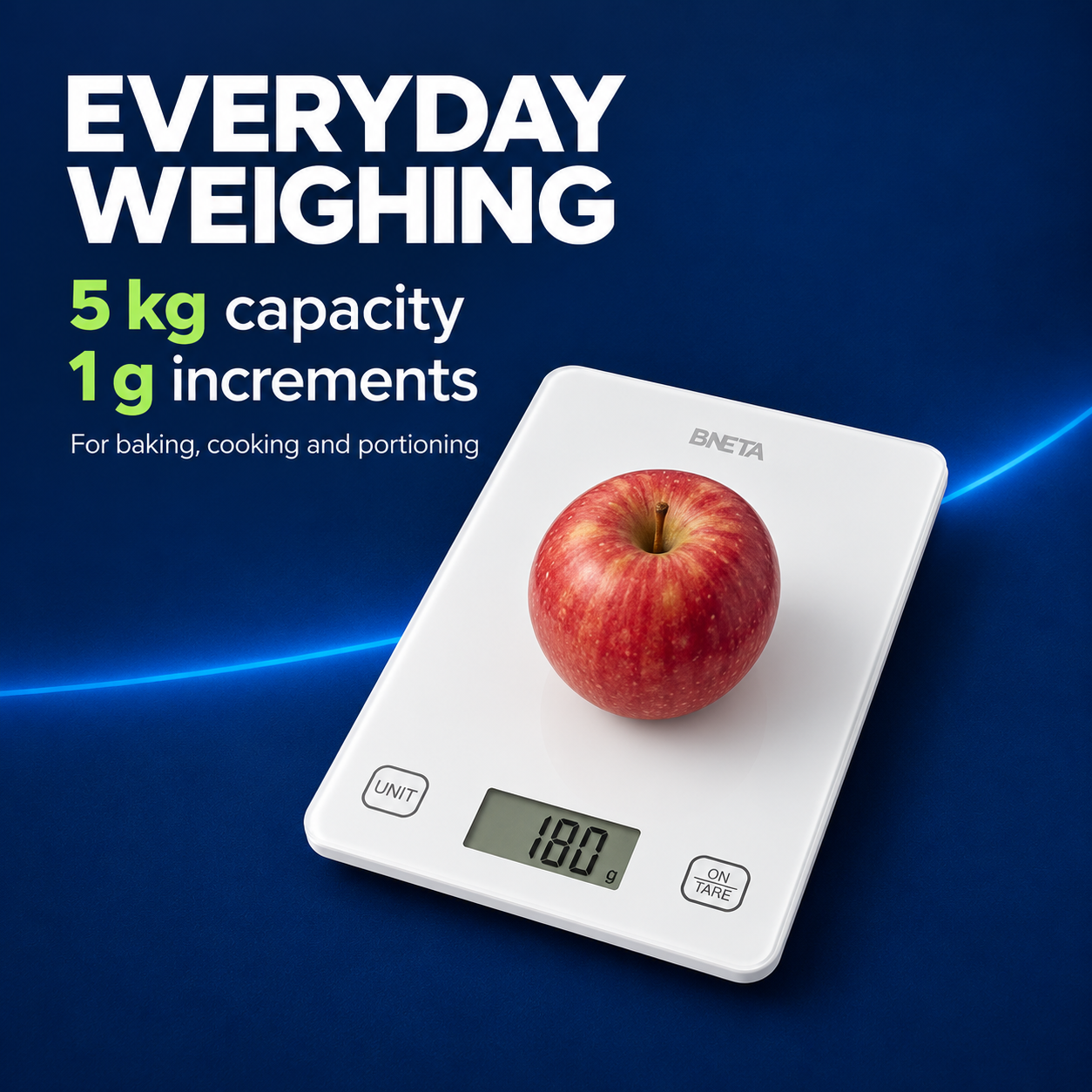
One touch tare
Place your empty bowl on the scale and touch ON/TARE to return the reading to zero. Add your ingredient to see its weight. You can tare again before adding the next ingredient, making it easier to prepare a recipe in one bowl with less washing up.
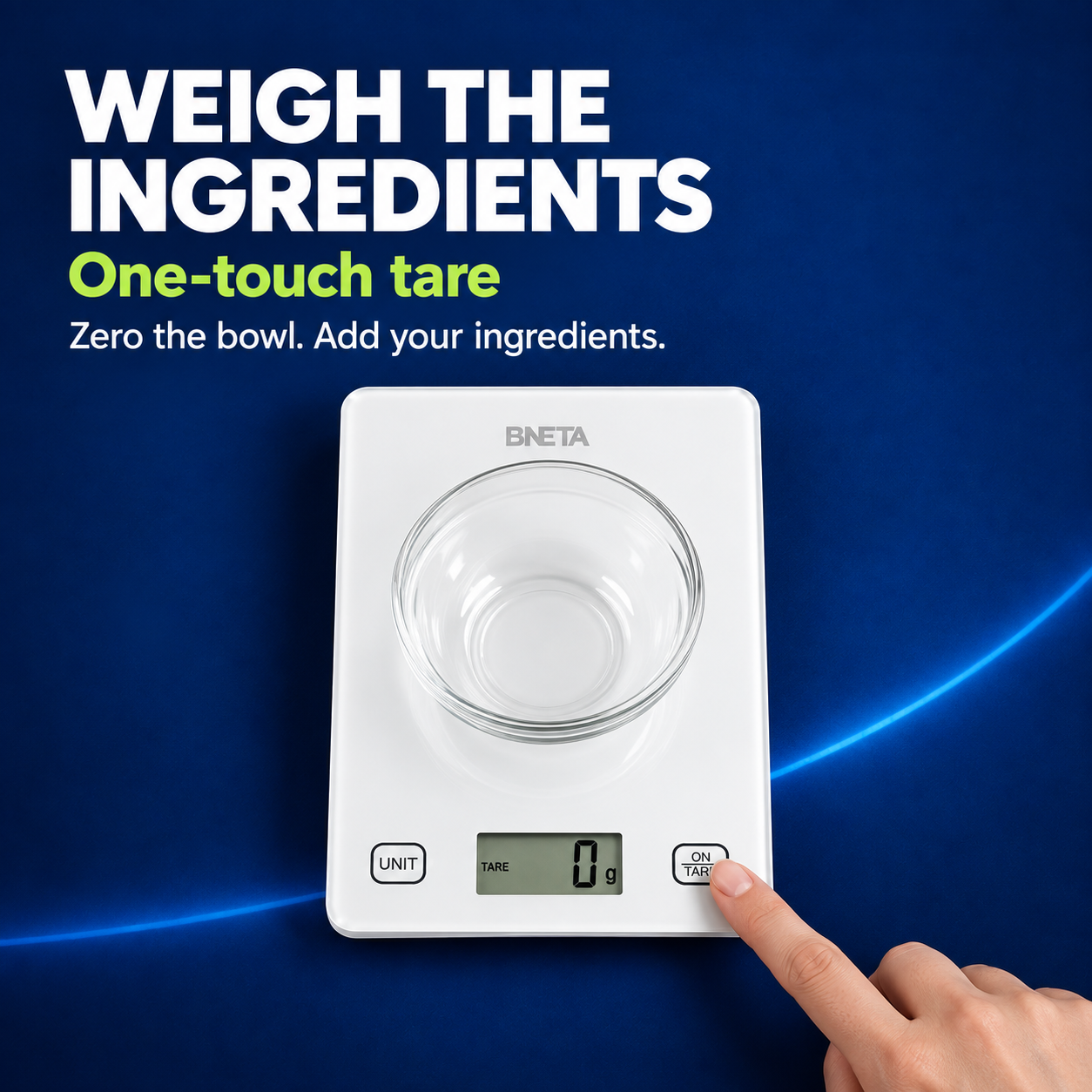
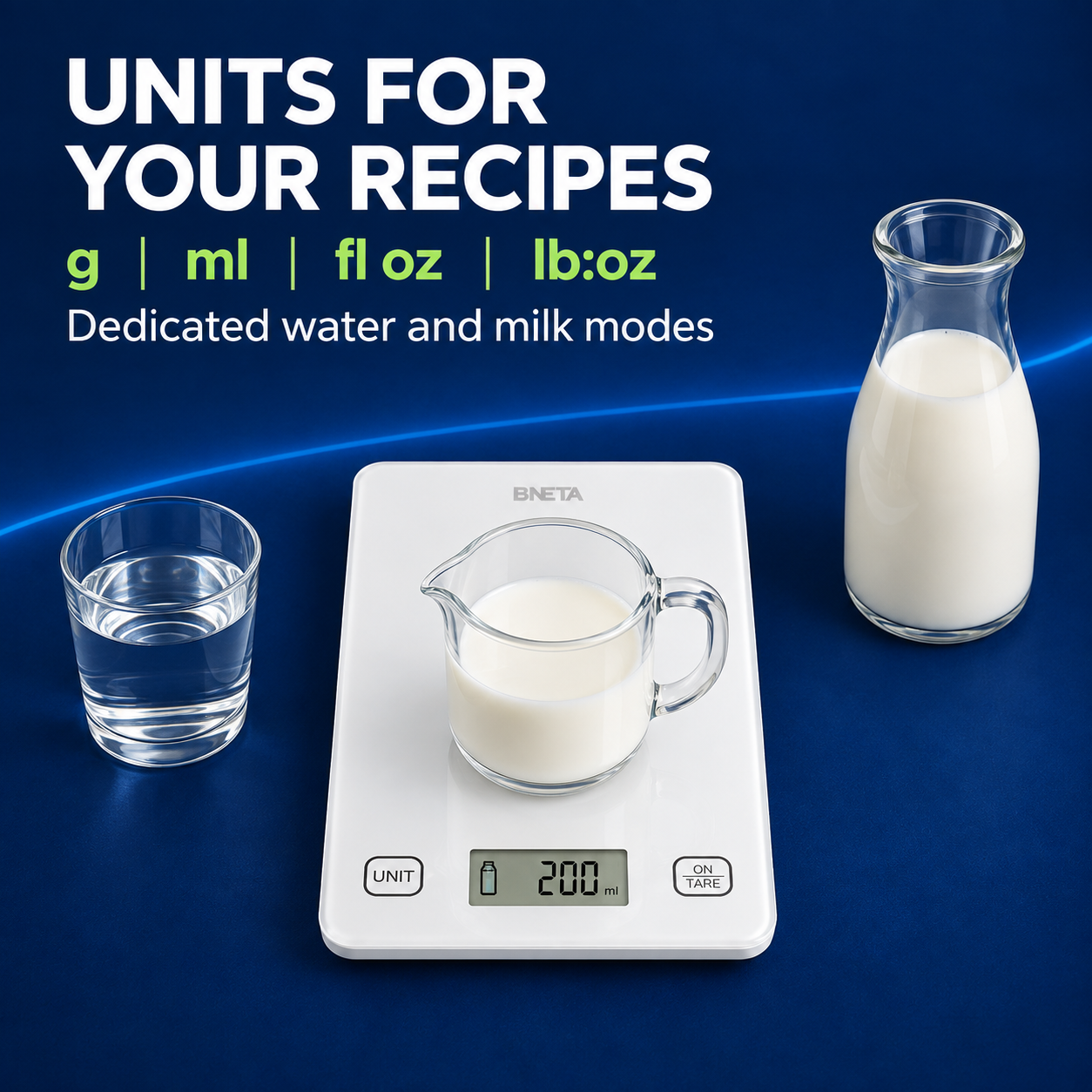
Weight and liquid modes
Use the UNIT control to choose the format your recipe needs. Grams and pounds with ounces cover weight measurements, while the liquid modes estimate water or milk volume from weight. Select the correct liquid mode and tare your jug before adding water or milk.
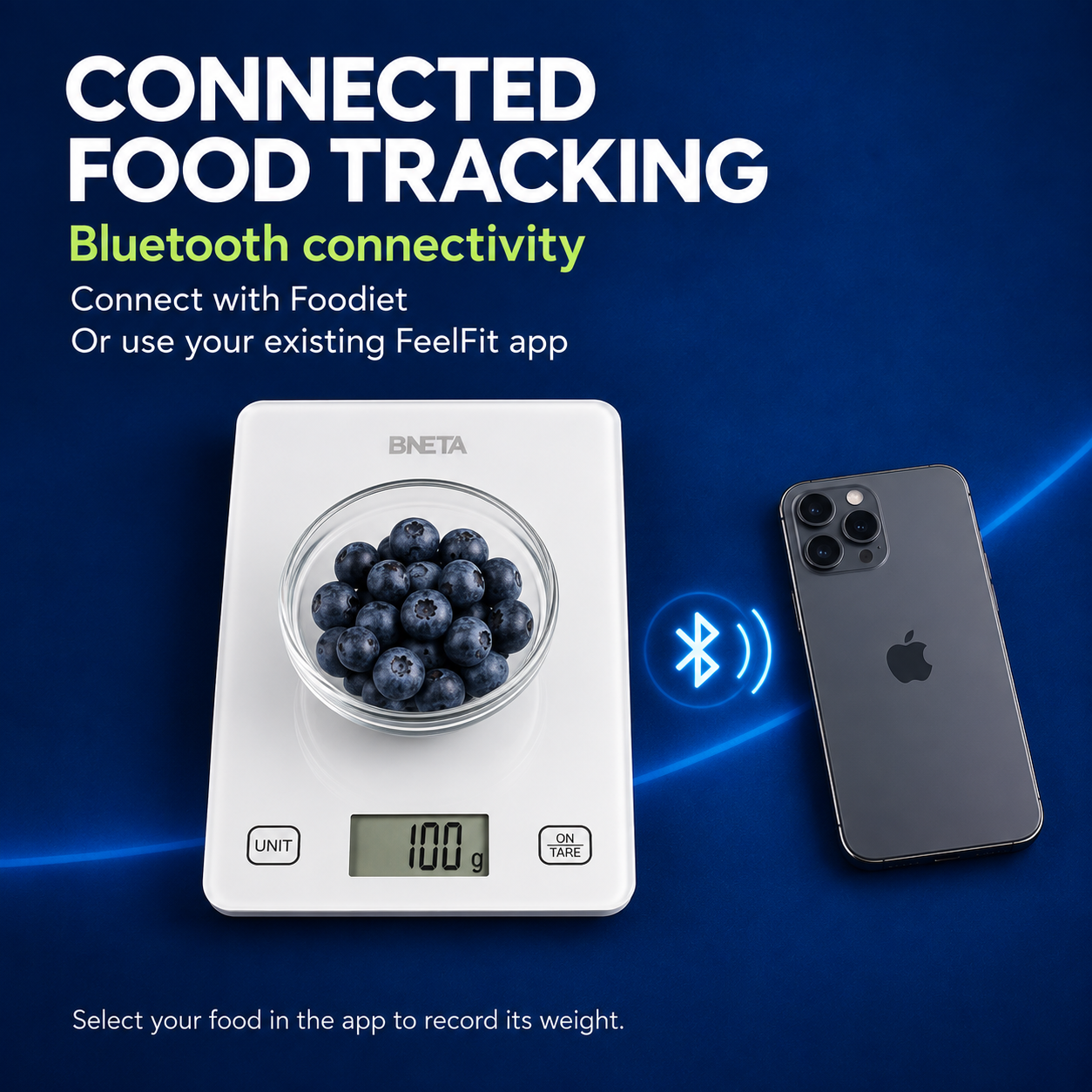
Bluetooth app connection
Connect the CS10C to the free Foodiet app to transfer weight readings to your phone. Download Foodiet for iOS or Android, enable Bluetooth and keep the phone nearby while weighing. The supplied instructions also support using an existing FeelFit app. Everyday weighing is available directly on the scale, without opening an app.
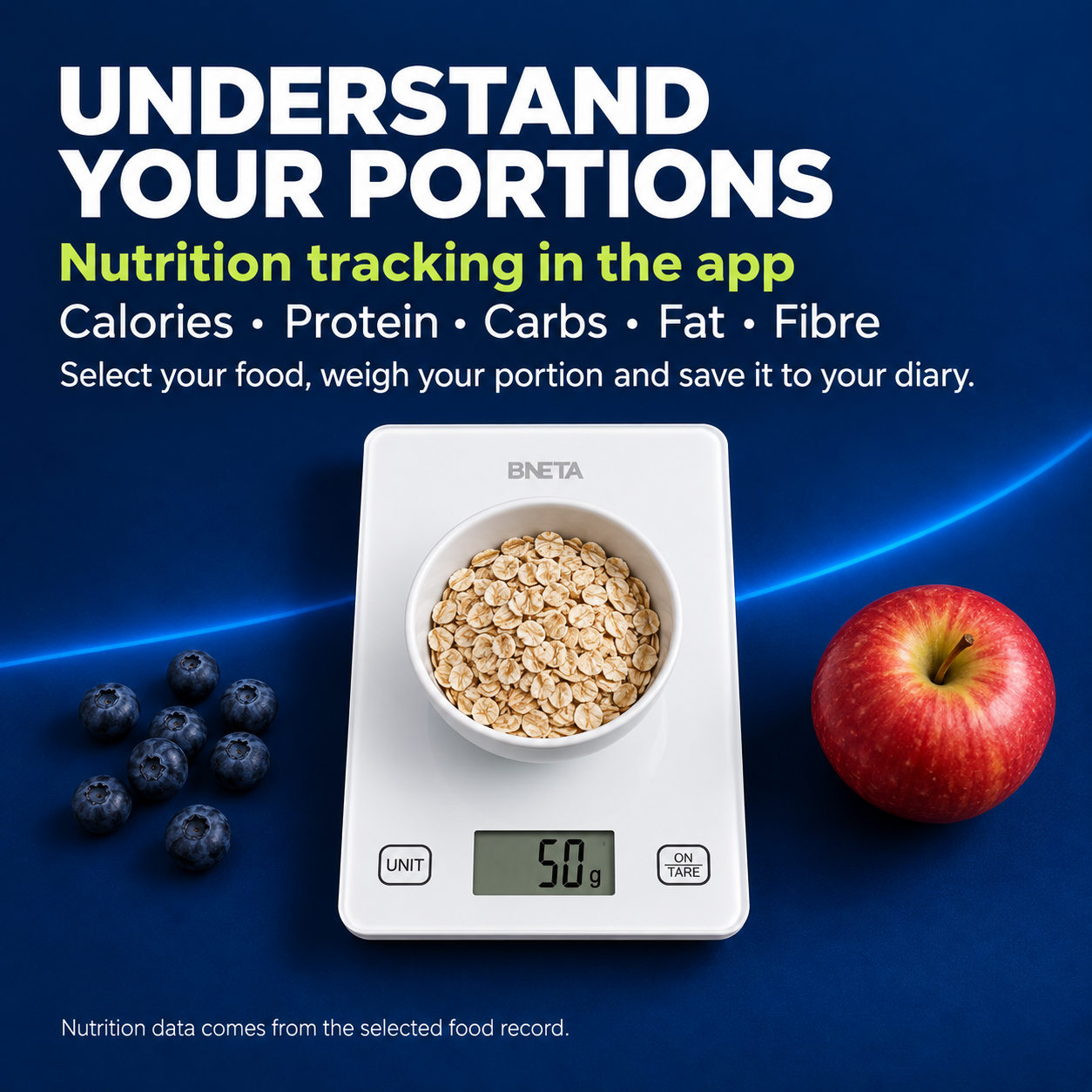
Nutrition records and barcode lookup
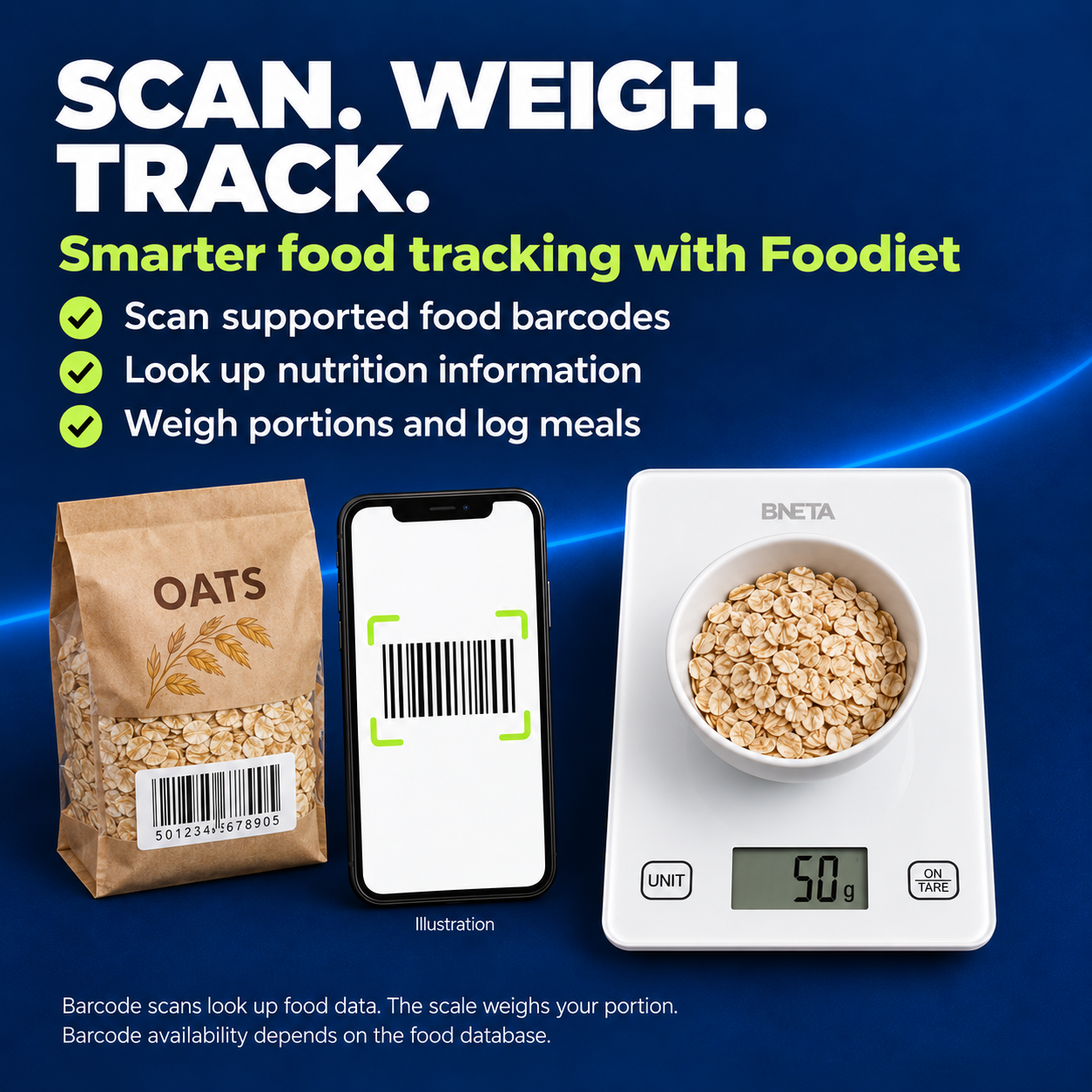
See calories, protein, carbohydrates, fat, fibre and other available nutrients for the food and portion you select. Search for a food, use a custom record or scan a supported product barcode to look up nutrition information, then save your entry to the diary. The scale measures weight; the app calculates nutrition from the selected food record.
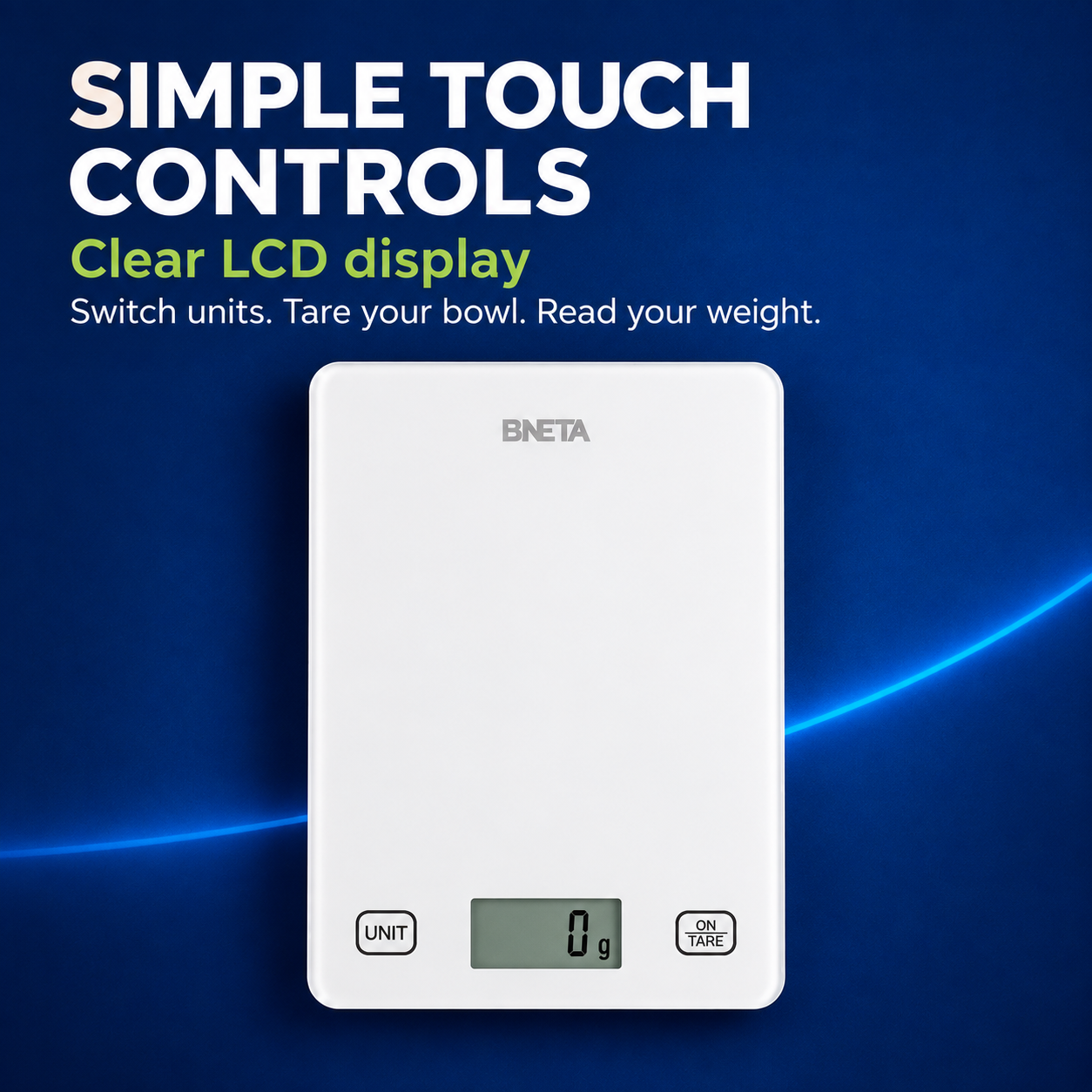
LCD display and touch controls
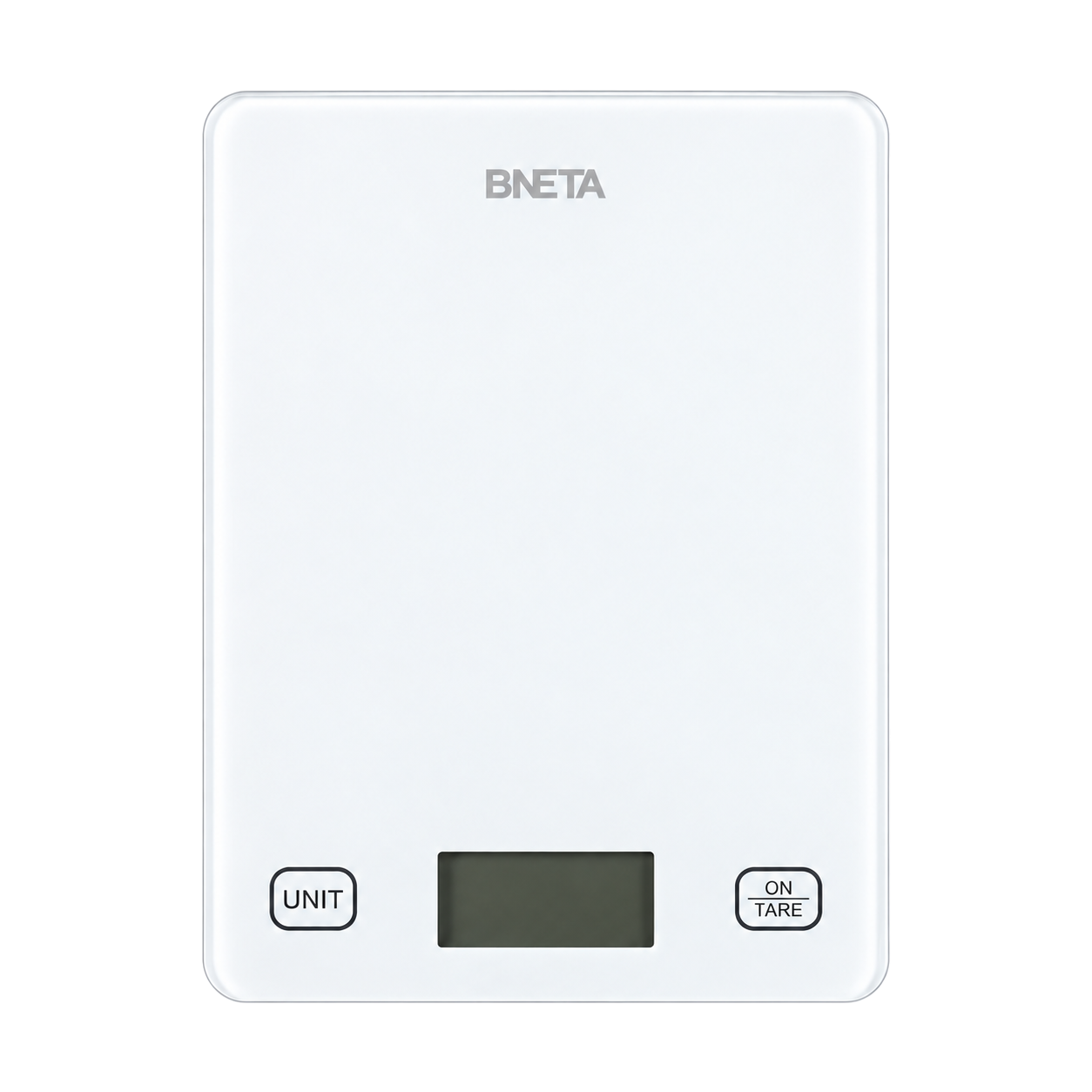
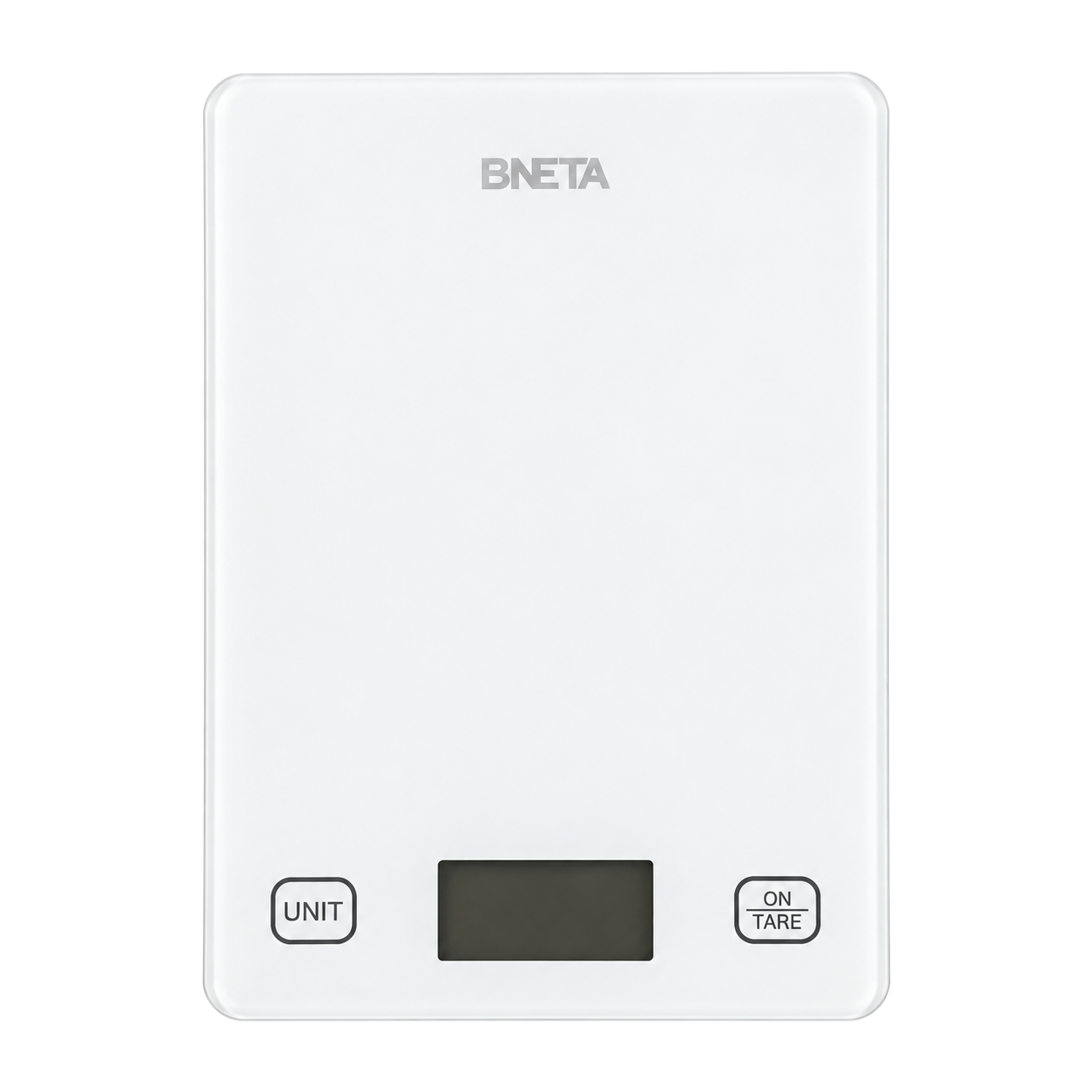
Read measurements on the LCD as you prepare your ingredients. The UNIT button changes the measurement mode, while ON/TARE turns the scale on and resets the reading when needed. The two-control layout keeps the everyday functions easy to reach at the front of the scale.
Compact white glass design
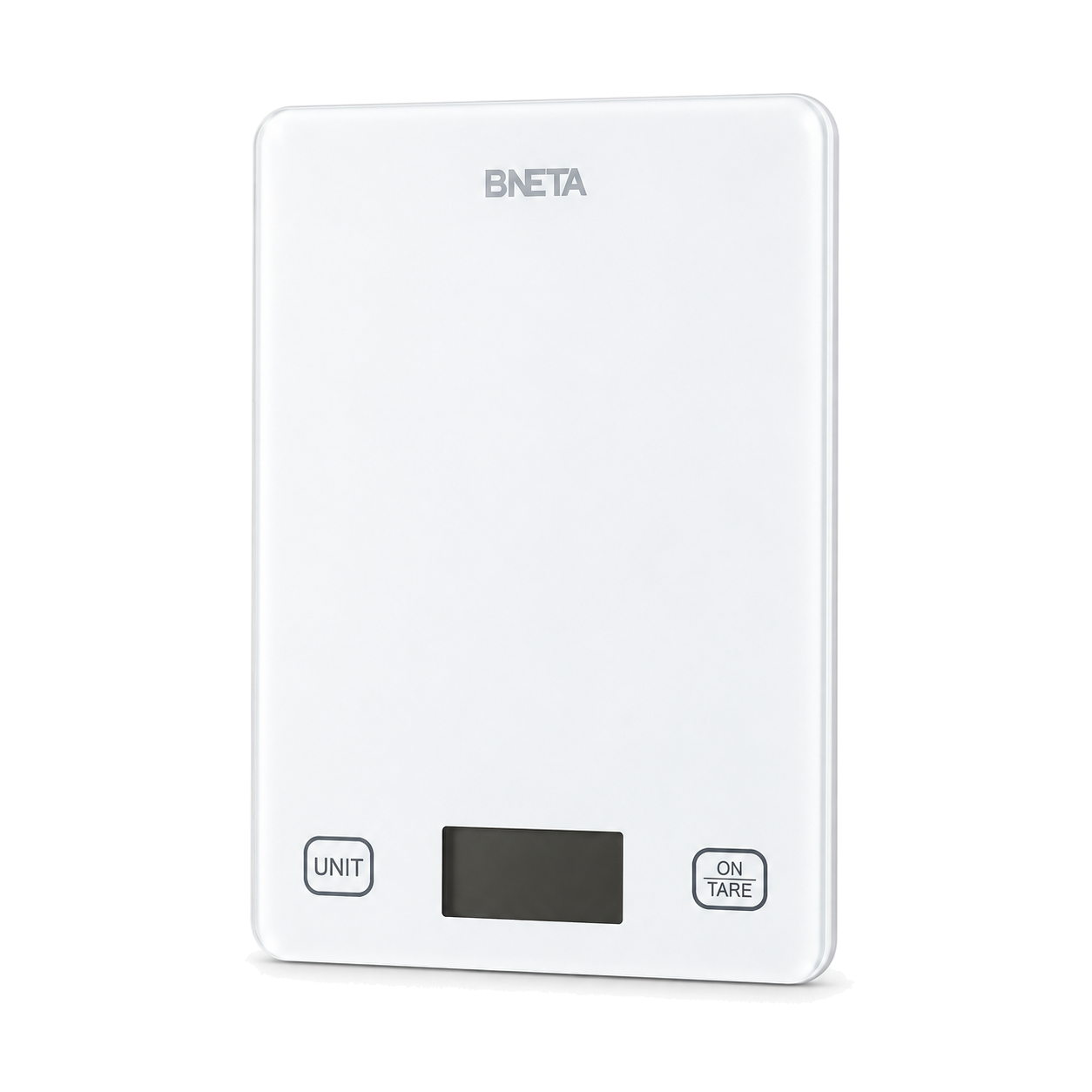
The white glass platform and slim profile suit a kitchen worktop without taking up much room. At 220 × 160 × 19.5 mm and 475 g, the CS10C is easy to move between preparation tasks and store when finished. Place it on a hard, level surface for use.
Automatic power saving and alerts
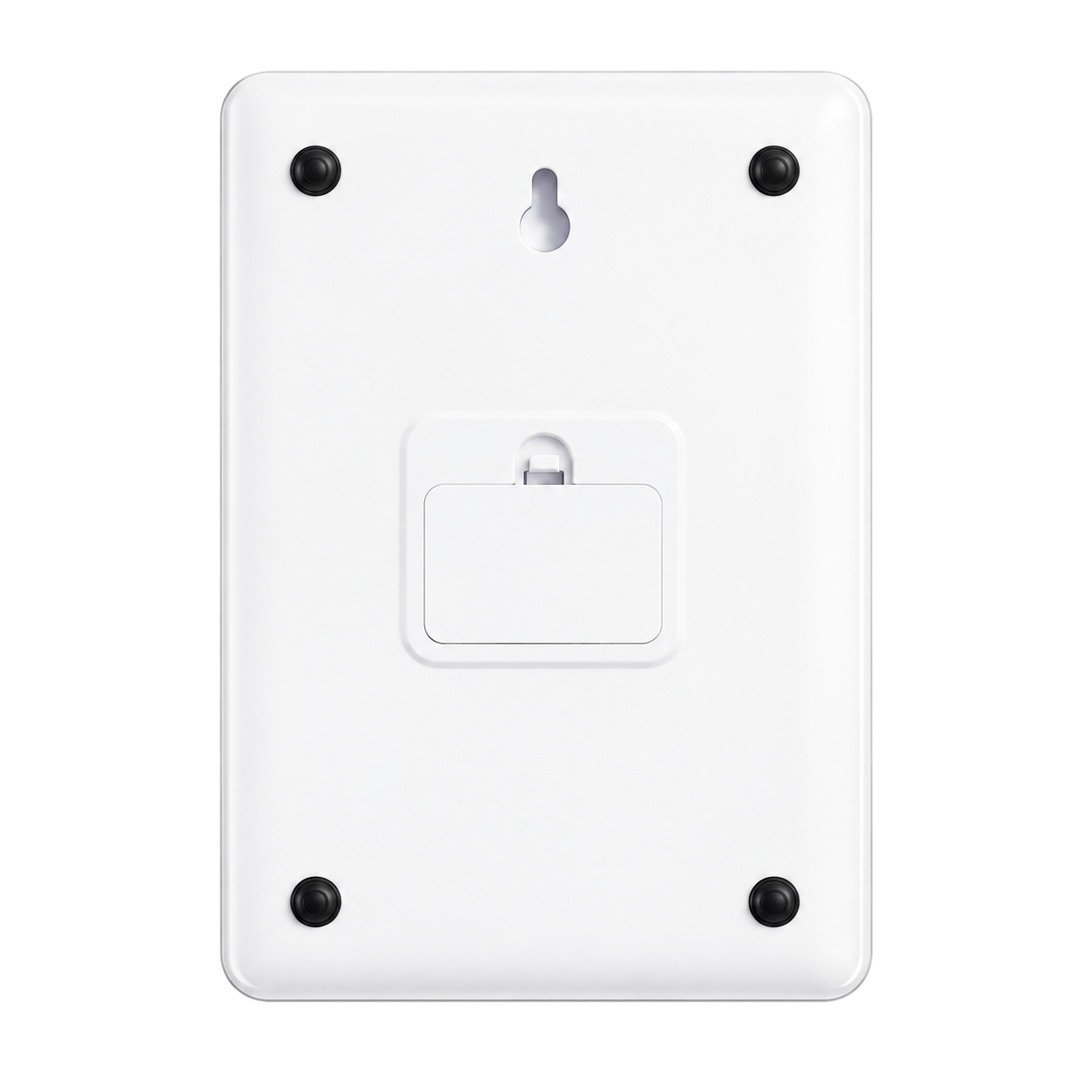
The scale switches off after 120 seconds without operation or a weight change to help conserve battery power. Low-battery and overload indicators show when attention is needed. It runs on two 1.5 V AAA batteries, sold separately; hold ON/TARE for more than three seconds to switch it off manually.
More with the Foodiet app
Make your measured portions part of a daily food record with Foodiet. The app is free to download from the App Store and Google Play.
Barcode nutrition lookup
Open the barcode scanner in Foodiet and align a packaged food’s barcode in the camera view. When a matching record is available, the app displays its nutrition information. Scanning looks up a database entry; it does not weigh the contents or measure nutrients directly. Barcode coverage depends on the product and the food database.
Food search and custom foods
Search the app’s food library, which includes USDA food data, to find an ingredient or food record. Foodiet also supports custom foods for items you want to enter yourself. Check that the record matches the food you are weighing, including whether it is raw or cooked.
Nutrition calculated for your portion
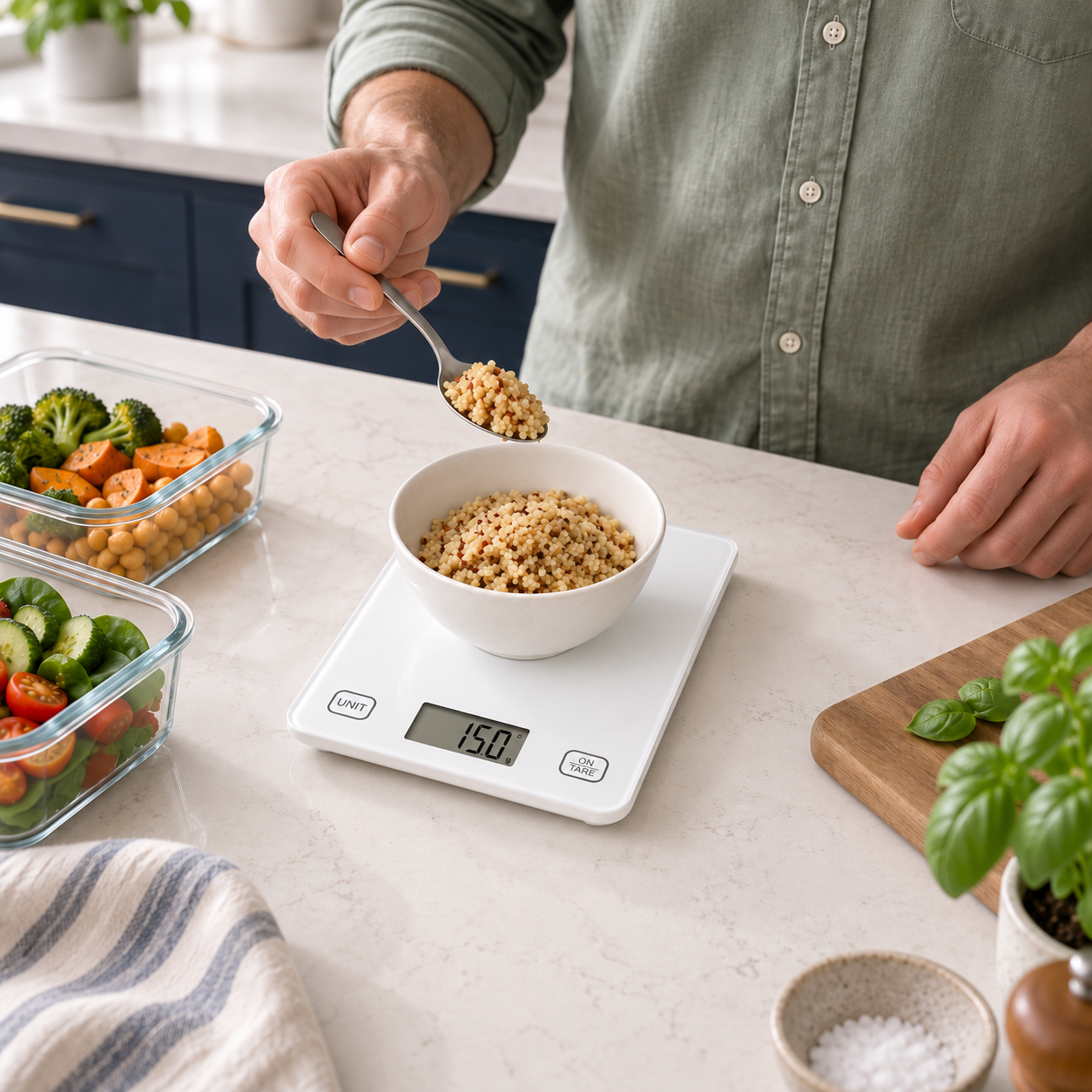
Pair the CS10C through Bluetooth, select the matching food and weigh your portion. Foodiet uses the measured weight and the selected record to calculate calories and available nutrients for that amount. Tare the bowl first so your recorded portion contains only the food’s weight.
A diary for meals and snacks
Save food entries to your diary under breakfast, lunch, dinner or snacks. Recording portions as you prepare them gives you a food log to review alongside the app’s daily calorie and nutrient information. Remember to add each entry to complete the record.
Apple Health integration on iOS
Foodiet’s iOS app supports exporting nutrition data through Apple HealthKit. Enable the relevant permissions to share supported nutrition information with Apple Health and keep it alongside your other health records.
Scan or search. Weigh. Record.
- Find your food: search the library, choose a custom food or scan a supported barcode.
- Weigh your portion: turn on the scale, connect Bluetooth and tare your container.
- Save your entry: check the selected food and portion, then add it to your diary.
Available nutrients and barcode matches depend on the food record and database. App features can vary by platform and version.
Product specifications
| Specification | Detail |
| Brand and model | BNETA CS10C |
| Product type | Smart digital kitchen scale |
| Colour | White |
| Materials | Glass and plastic |
| Dimensions | 220 × 160 × 19.5 mm |
| Product weight | 475 g |
| Weighing range | 2–5000 g |
| Display increments | 1 g / 0.1 oz |
| Units and modes | g, ml for water, ml for milk, fl oz, lb:oz |
| Display and controls | LCD; UNIT and ON/TARE touch controls |
| Connectivity | Bluetooth |
| Supported apps | Foodiet; existing FeelFit app |
| Power | 2 × 1.5 V AAA batteries, not included |
| Automatic shut-off | 120 seconds without operation or weight change |
| Indicators | Low battery, overload, tare and Bluetooth |
| Recommended operating temperature | +5°C to +35°C |
Use and care
Use on a clean, hard, level surface. Select the correct food and portion in the app when recording nutrition. Liquid modes are intended for water and milk. Batteries, bowls, food, phones and other styling props shown in lifestyle images are not included.
Download Foodiet
You must be logged in to post a review.
You may also like…

Related products
-
 Sale
SaleIMOU CELL GO 3MP Wi-FI Security Battery Camera
Original price was: R1,299.00.R799.00Current price is: R799.00. Quickview -
 Sale
SaleEZVIZ C8C – 1080p Full HD Outdoor Pan/Tilt Camera (OPEN BOX ITEM – REFURBISHED)
Original price was: R1,799.00.R999.00Current price is: R999.00. Quickview -
 Sale
SaleBNETA IoT Smart WiFi LED Bulb Plus – B22P (OPEN BOX ITEM)
Original price was: R199.00.R129.00Current price is: R129.00. Quickview -
 Sale
SaleBNETA IoT Smart WiFi LED Bulb Plus – E27P (OPEN BOX ITEM)
Original price was: R199.00.R129.00Current price is: R129.00. Quickview
Reviews
There are no reviews yet.